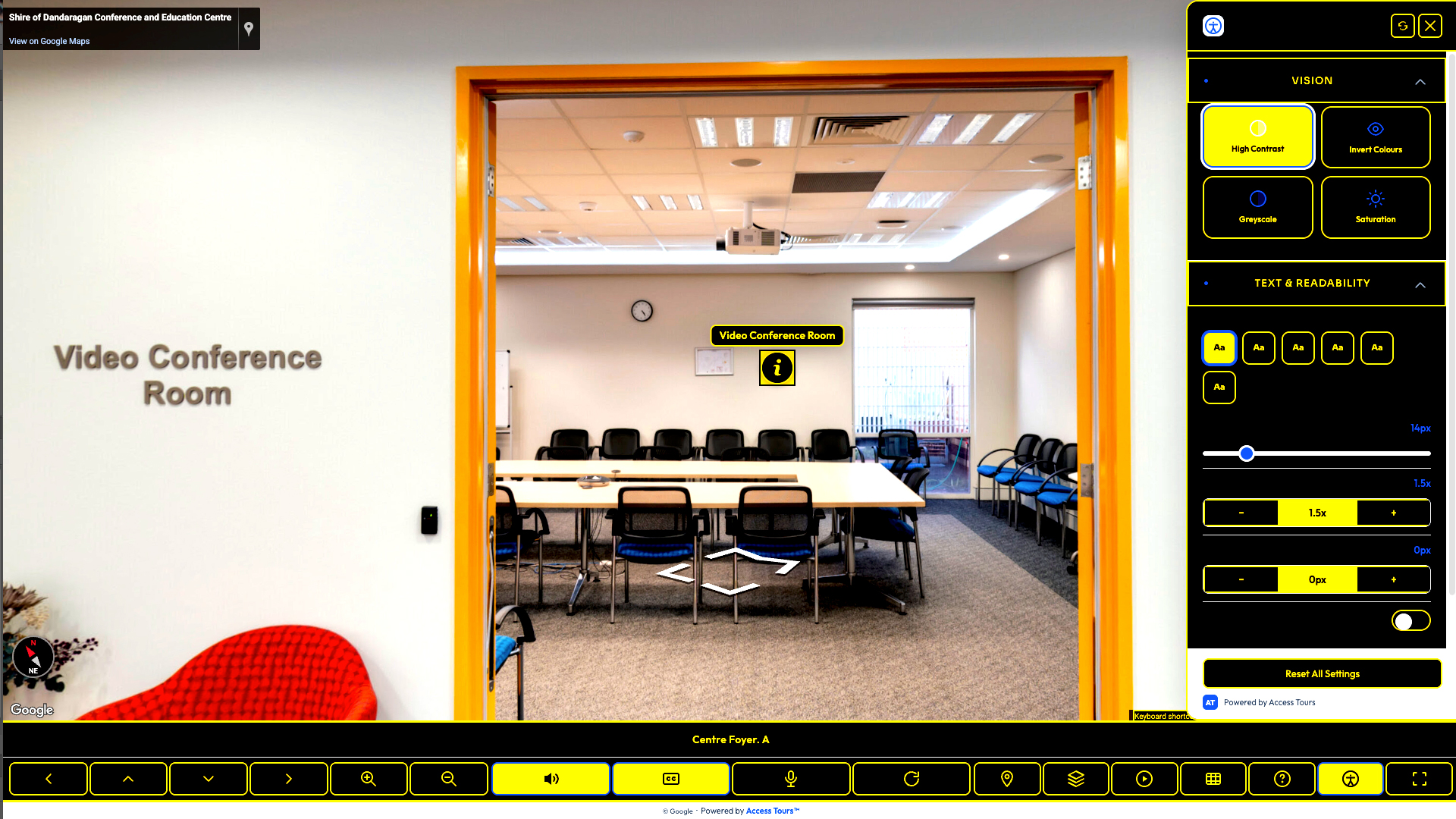
High contrast
Clearer controls and labels for visitors who need stronger visual separation.
Access Tours™ makes any Google Street View tour usable by everyone — keyboard navigation, voiceover and captions, with the access information disabled visitors need before they go.
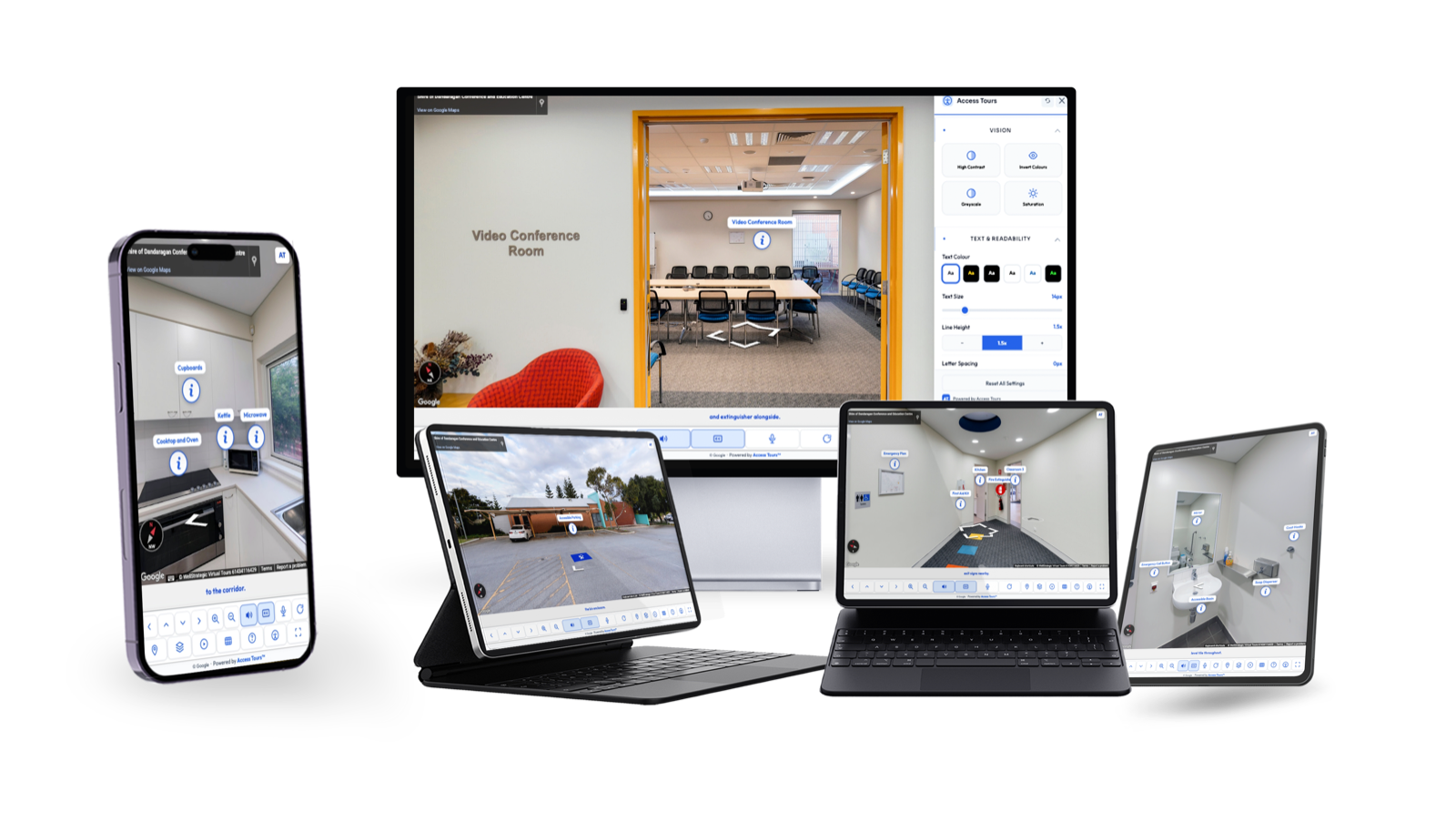
Access Tours™ gives visitors practical accessibility controls inside the tour they already know how to use.
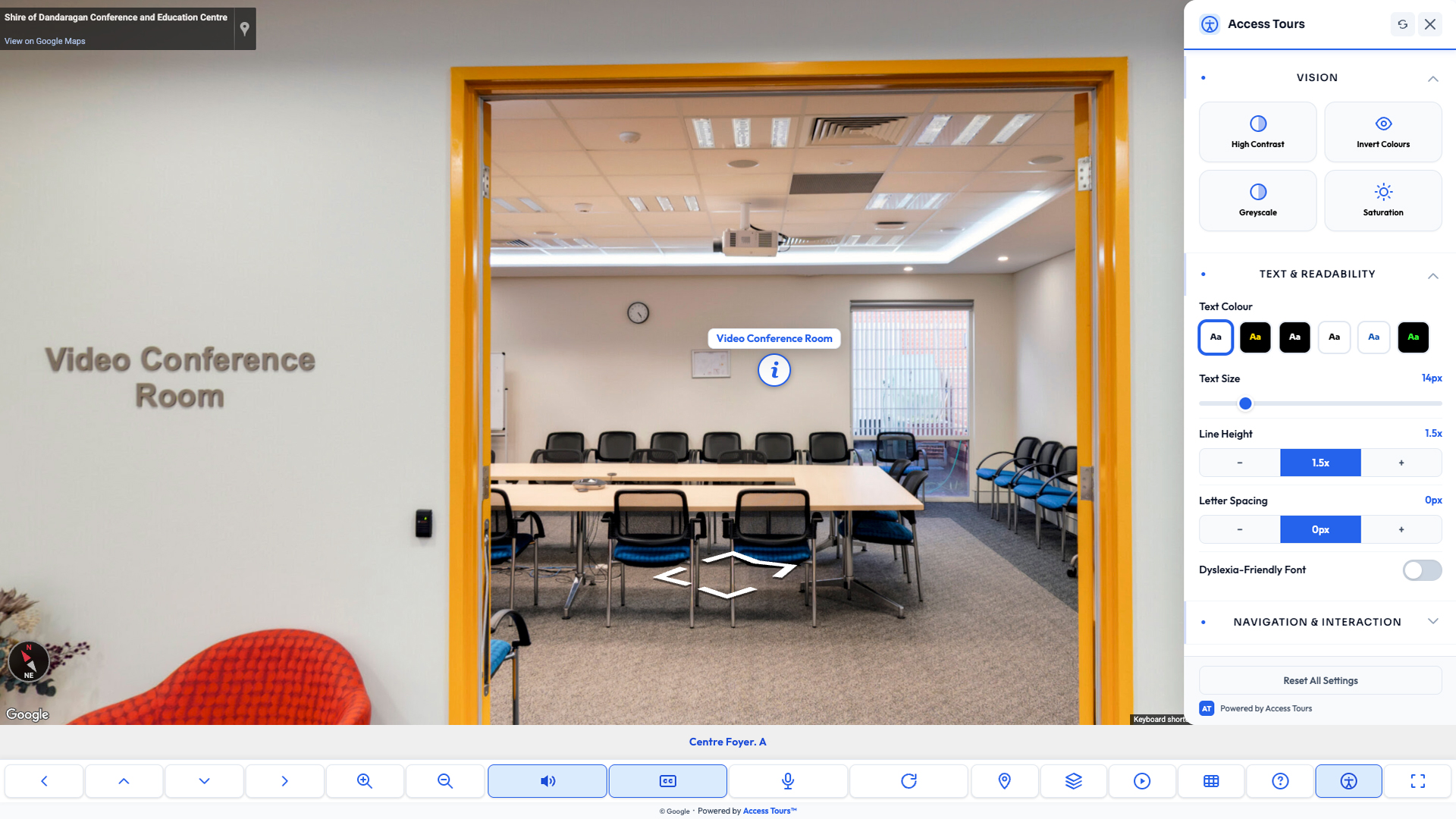
Clearer controls and labels for visitors who need stronger visual separation.
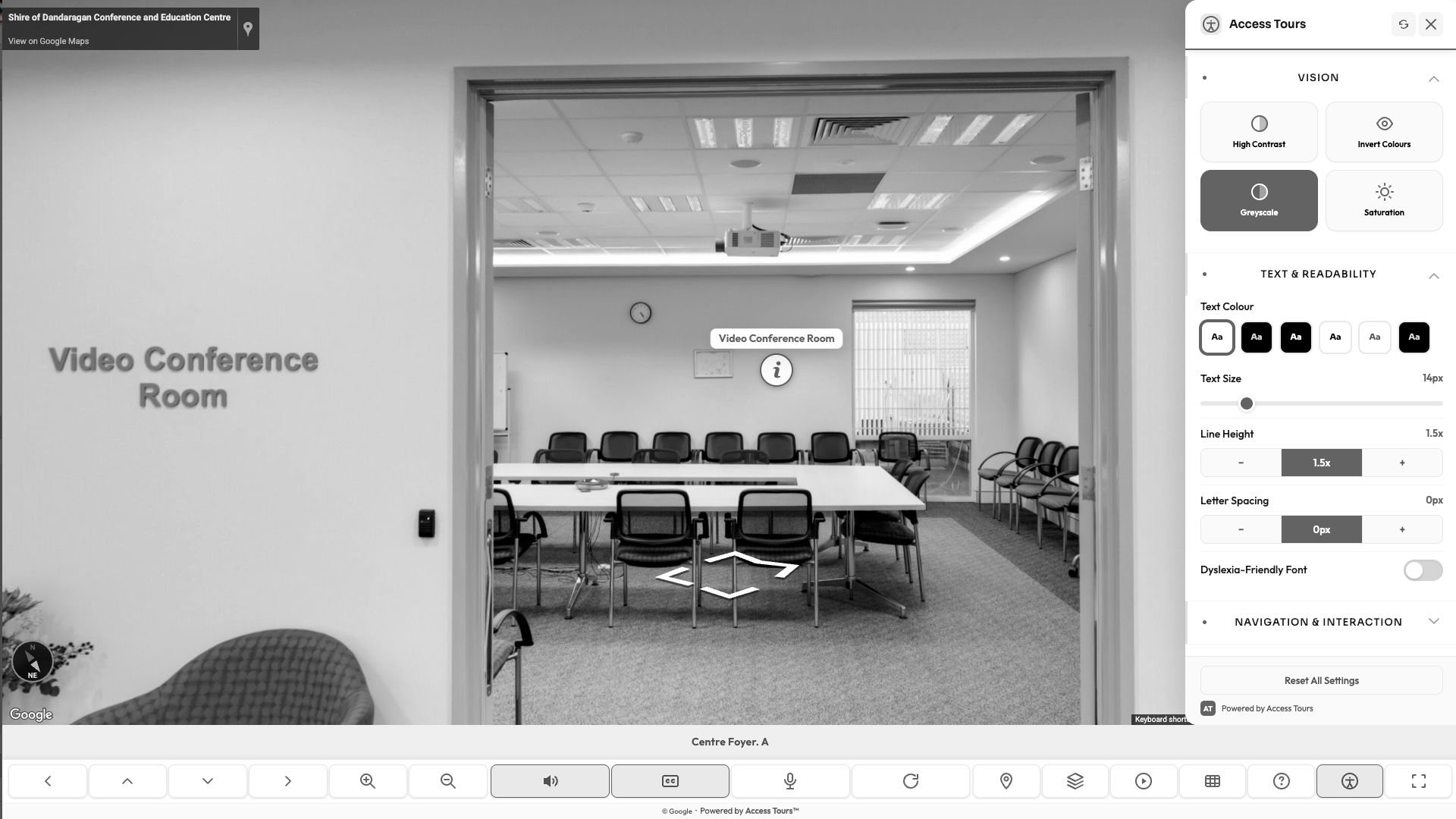
Reduces colour dependence while preserving the route and access information.
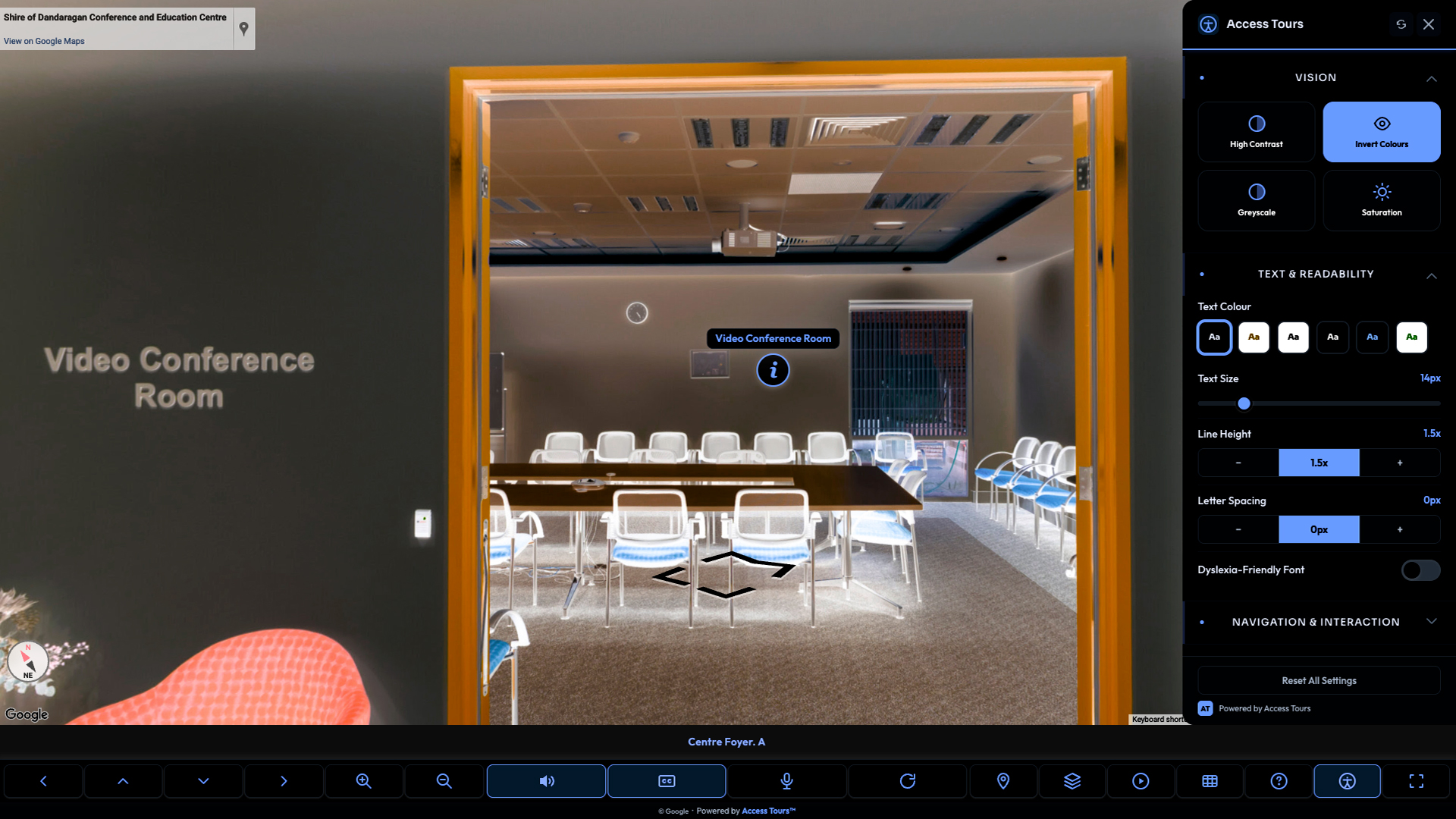
Alternative visual treatment for visitors who read and navigate better in dark mode.
Join for early access, rollout updates and priority onboarding when Access Tours™ opens.
A practical first step toward making your virtual tour usable for every visitor.
Takes about 30 seconds. We will only contact you about Access Tours™ launch access and onboarding.
Same Google Street View tour. A much clearer experience for visitors who need access information before they arrive.

 After
After
Standard tours show the room. Access Tours™ adds labels, controls, captions and POIs so visitors can understand routes, rooms and safety information before they go.
Access Tours™ is for teams who already use virtual tours and want them to work for more visitors.
Access Tours™ adds an accessibility layer to the Google Street View tours you already have — no rebuild, no new platform.
Move through every scene without a mouse — arrow keys, shortcuts and clear focus.
Spoken descriptions of each space, written for visitors who can’t see the imagery.
On-screen text for every description — for Deaf and hard-of-hearing visitors.
Accessible parking, step-free routes, lifts and toilets — marked so people can plan ahead.
Founding members get the clearest path from interest to accessible tour.
Be among the first to make your virtual tour accessible, ahead of public launch.
Reserve a place in the first rollout before Access Tours™ opens publicly.
Get told the moment it’s live — no checking back, no missing out.
We’ll help set up your first accessible tour, hands-on.
Short answers to the things most teams ask before putting their name down.
Yes. Access Tours™ is designed to add an accessibility layer to existing Google Street View virtual tours, so you do not need to rebuild the tour from scratch.
No. The goal is a simple embed flow: replace or add a tour embed, then Access Tours™ provides the visitor controls and accessibility overlay.
You will be notified when founding access opens, with setup details, rollout updates and priority onboarding options.
Most simple tours should be quick to prepare. Larger multi-location tours may need more setup so access points, captions and route information are useful.
Both. Access Tours™ can support a single venue or a broader set of locations, depending on how your Google Street View tours are structured.
It means the overlay is being built around WCAG 2.2 AA accessibility practices, including keyboard access, readable controls, captions, visual preferences and screen-reader friendly interface patterns.
Get priority onboarding and first access when Access Tours™ opens.
Join for founding access